
Blog / Multiplayer
How to play BEVEL online: lobbies, invite codes and match rules
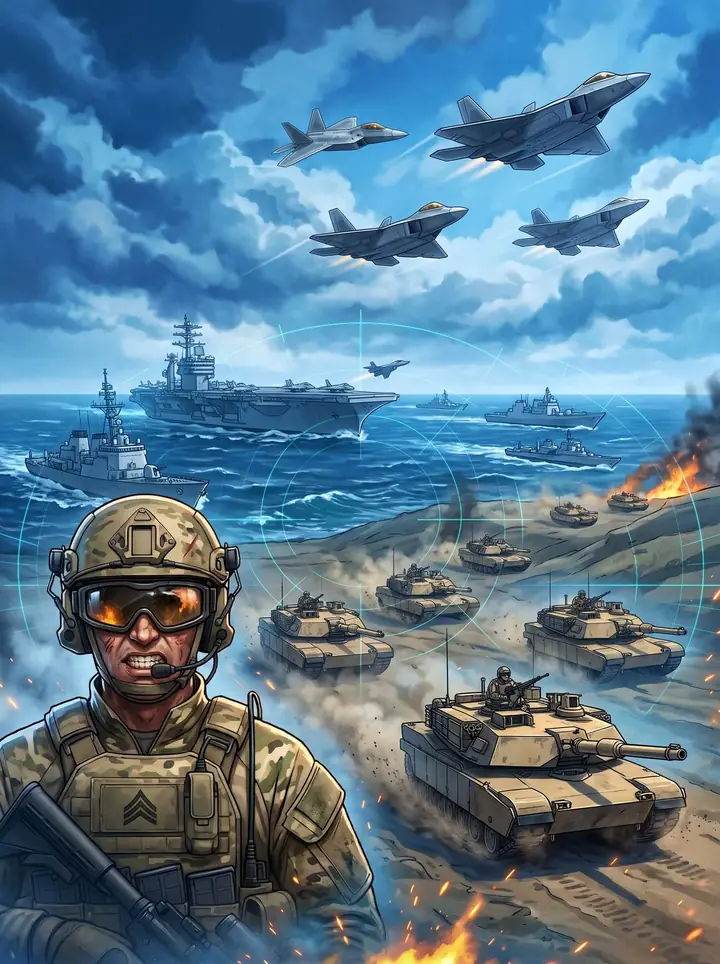
Bots are fine, but nothing beats beating a friend. BEVEL multiplayer runs in the same browser tab as the rest of the game. There is no client to download and no patch to match, and everybody joins with a short code. This guide covers everything from signing in to the rules a host can set.
Step 1: sign in
Online play needs a free Steel Hull Studio account. Choose Multiplayer in the main menu and sign in with Steel Hull Studio. That account is what keeps a lobby yours and lets you reconnect to a match if your connection drops. Campaign and Skirmish keep working without an account.
Step 2: create a lobby or join one
Create a lobby, give it a name if you like, and choose who can join:
- Public: listed under open games, and anyone can join.
- Closed: listed, but players need the password you set (4 to 32 characters).
- Invite only: not listed at all. Friends join with the lobby code.
To join someone else's game, pick it from the list of open games or type in the operation code they sent you.
Step 3: set up the match
Inside the lobby the host picks the map and the game mode. Classic is a normal battle. Co-op Defense puts everyone on one team against waves of invaders (see our Co-op Defense guide). Formats run from 1v1 through 2v2 and 3v3 up to 4v4, plus a five-player free-for-all.
Every player chooses their faction, colour, team and start position in the roster. Empty seats can be filled with AI bots. Each bot gets a skill level (Easy, Normal or Hard) and a doctrine: Balanced, Air power, Armoured fist, Turtle, Rush or a random one. A 2v2 of two friends against two Hard bots is a very good evening.
When everybody has marked themselves ready, the host launches the operation. BEVEL also remembers your last match setup, so a rematch with the same map, rules and bots takes one click.
The rules a host can set
- Superweapons: none, one per commander, or no limit.
- Heavy units: siege vehicles and flagship tanks can be limited to one per commander, with research at the factory adding more, or allowed without a limit.
- Ceasefire: none, or 3 to 30 minutes at the start. Nobody can attack during a ceasefire. You can visit and scout each other freely, but you can only build in your own half of the map.
- Scoreboard: hidden, or shown live during the match.
For a relaxed first game with friends, try a 10-minute ceasefire, one superweapon each and limited heavy units. For chaos, set everything to no limit and stand well back.
Spectating
A seat can also be a spectator. Spectators see the whole map and take no start position. Put only bots in the fighting seats and you can watch a full AI battle from above. It is a surprisingly good way to learn what each doctrine does.
Is it fair?
The match runs on the BEVEL server, not on somebody's laptop. The server simulates the battle twenty times per second and sends each player only what their own units can see. A modified browser cannot reveal the fog of war, because the hidden information never reaches it. Allied bots follow the same rule: they react to what their team sees and do not peek at hidden enemies.
New to the game? Win a few skirmishes first with our beginner's guide. Then open BEVEL, sign in, and send a friend the code.
Keep reading
- Guide · 4 min readBEVEL beginner's guide: your first base, army and winNew to BEVEL or to RTS games? The basics of power and money, a simple build order, the controls, and how to beat your first bot in Skirmish.
- Factions · 5 min readBEVEL factions guide: Iron Pact, Allied Command and Proxy AxisThe three armies of BEVEL compared: how each one builds, earns and fights, their exclusive units and superweapons, and a tip for playing each.
- Comparison · 3 min readBEVEL vs Generals and Red Alert 2: an old-school RTS in a browser tabHow BEVEL compares to Command & Conquer: Generals and Red Alert 2: what it keeps from the classics, what it changes, and why it needs no installation.