
Blog / Explainer
Play a real RTS on your phone, with nothing to install
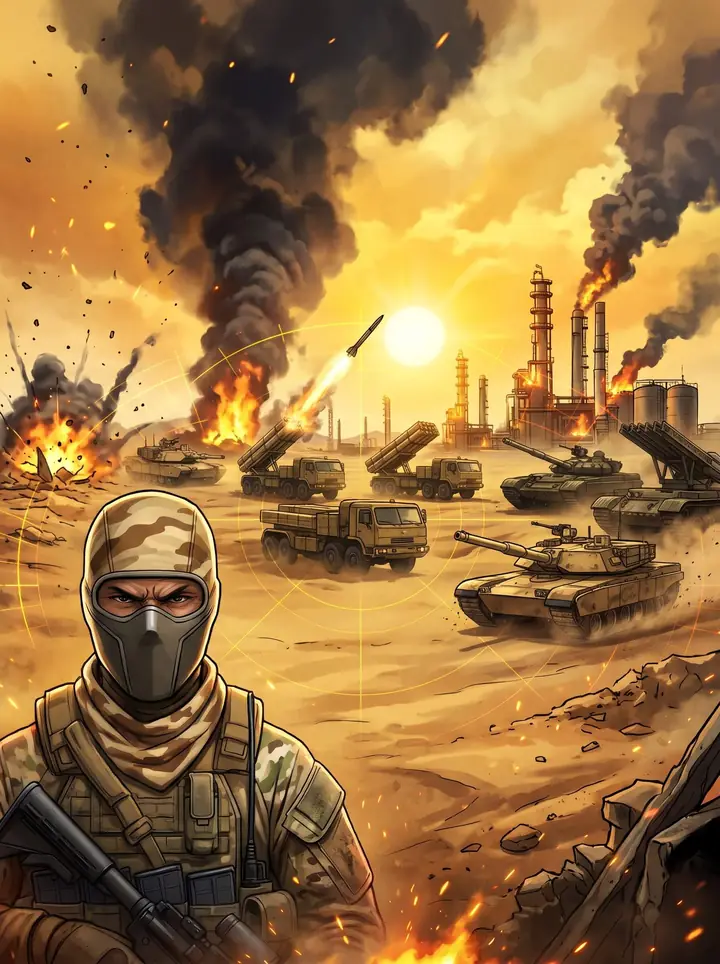
Real-time strategy has a reputation as a desktop genre: a big screen, a mouse, a keyboard and a PC that took an afternoon to set up. BEVEL is a complete base-building RTS that runs in a browser tab, on a laptop, a tablet or a phone. There is no app store, no download and no installer. Here is how that works and what to expect.
What "no install" really means
You open playbevel.com and the game loads like any web page. Campaign and Skirmish run entirely in your browser: the simulation runs in the background of the tab, and your saves are stored on your device. The game saves itself every few seconds, so a phone call or a dead battery does not cost you the match. A free Steel Hull Studio account is optional for solo play. It stores your saves and results online, and you need it for online multiplayer.
What you need is a modern browser with WebGL 2, which current versions of Chrome, Edge, Firefox and Safari all support. If you want BEVEL one tap away, add it to your home screen from the browser menu. It then opens full screen, like an app.
Touch controls built for a small screen
On a phone or tablet BEVEL switches to a touch layout by itself. You can also force it on or off in the settings. The touch layout has:
- A build drawer that slides out when you need it and gets out of the way when you do not.
- Quick buttons for the orders you use most.
- A confirm step before building, so a slipping thumb does not put a power station in the sea.
- A larger radar on request, for when you need to see the whole battlefield.
The gestures are the ones you already know. Tap to select, and with units selected tap the battlefield to give an order. Drag one finger to pan and pinch to zoom. The interface size setting makes the battle HUD bigger or smaller, and small screens always get a HUD that fits.
Graphics that fit your device
A phone is not a gaming PC, and BEVEL does not pretend it is. There are four graphics presets, from High down to Ultra Performance for older or cheaper devices. You can also fine-tune render resolution, shadows, post-processing, anti-aliasing, terrain and effects detail, and set a frame-rate limit to save battery.
The easiest option is the benchmark in the main menu settings. The automatic system test plays a short battle at each preset and picks the best one that still runs smoothly on your device. It takes about a minute. A stress lab sits next to it for the curious: an empty field where you spawn units and waves and see what they cost your device.
What works on a phone
Everything. The campaign, Skirmish against bots, online multiplayer and Co-op Defense are the same game on every screen. In online matches the server runs the battle and sends your phone only what you can see, so a phone and a desktop can play in the same lobby.
A few honest caveats. Big battles with hundreds of units ask a lot of a small device, so try a lower preset if things slow down. A keyboard and mouse are still faster for the fine control of a large army. And a long session is easier on a tablet than on a phone held at arm's length.
Try it now
Open BEVEL on your phone, pick Skirmish and an Easy bot, and see how it feels. If you are new to the genre, our beginner's guide explains the basics in about ten minutes.
Keep reading
- Guide · 4 min readBEVEL beginner's guide: your first base, army and winNew to BEVEL or to RTS games? The basics of power and money, a simple build order, the controls, and how to beat your first bot in Skirmish.
- Factions · 5 min readBEVEL factions guide: Iron Pact, Allied Command and Proxy AxisThe three armies of BEVEL compared: how each one builds, earns and fights, their exclusive units and superweapons, and a tip for playing each.
- Comparison · 3 min readBEVEL vs Generals and Red Alert 2: an old-school RTS in a browser tabHow BEVEL compares to Command & Conquer: Generals and Red Alert 2: what it keeps from the classics, what it changes, and why it needs no installation.